

Описание
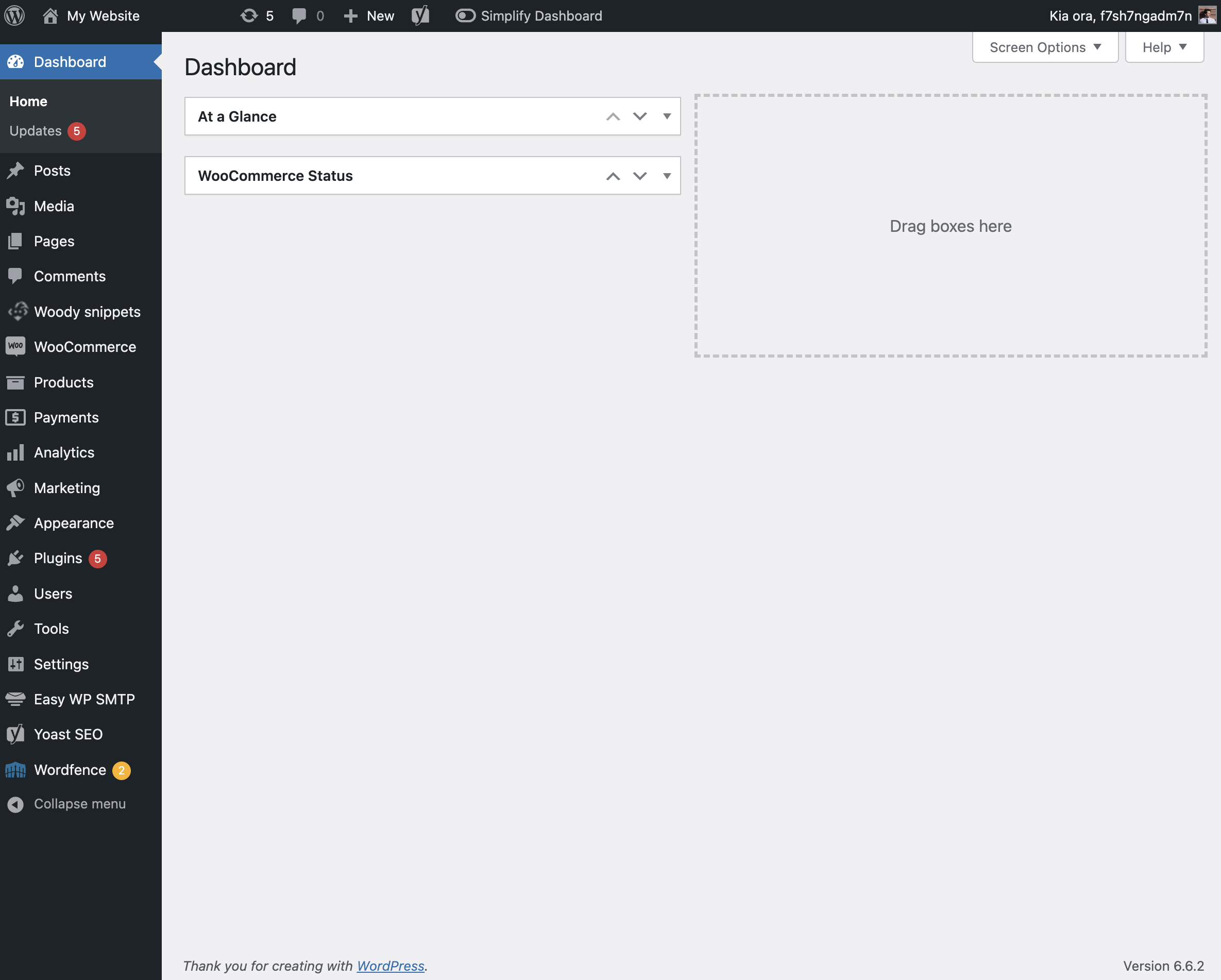
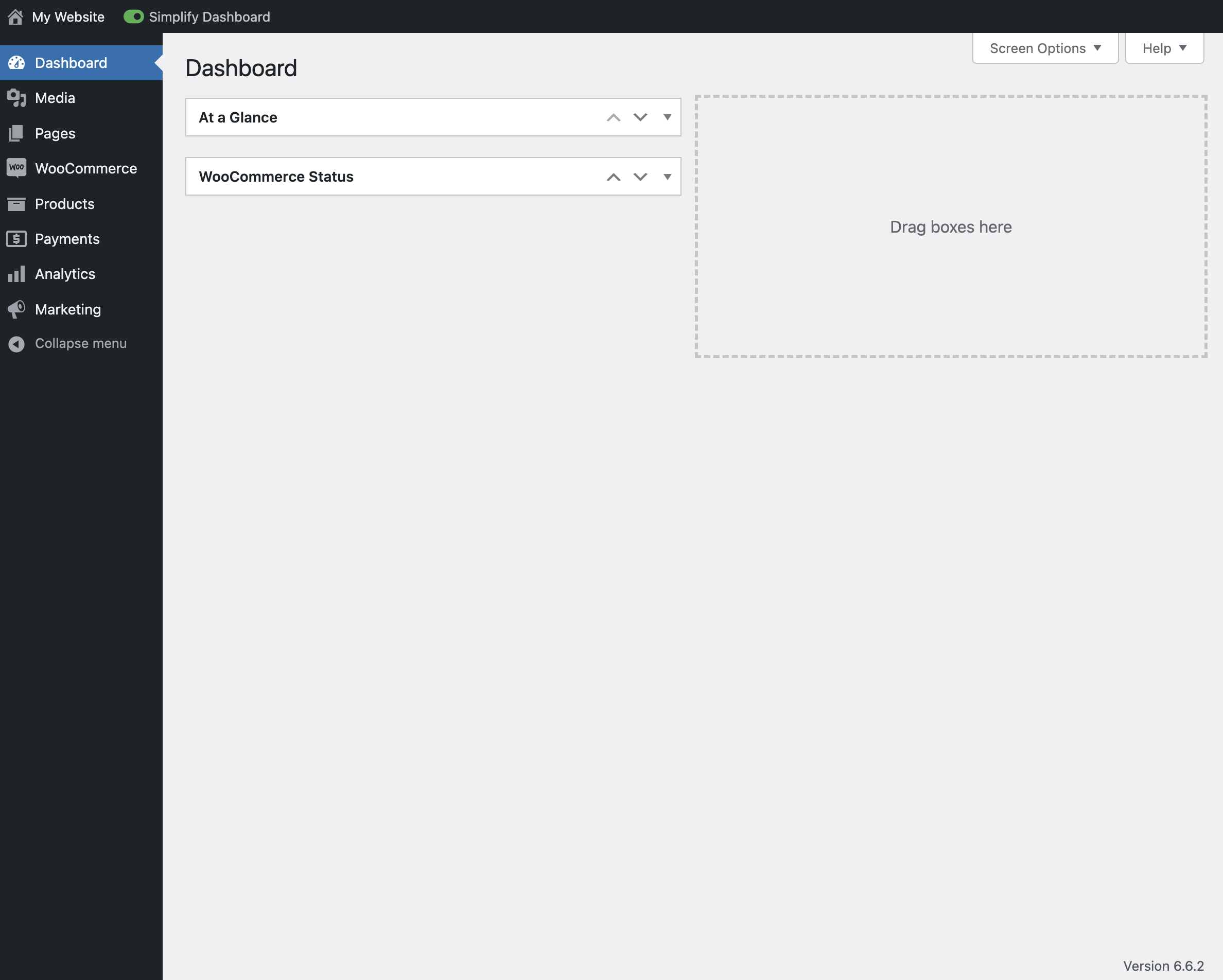
„Simplify Dashboard“ adds a toggle in the admin bar to hide menu items you don’t use much.
It gives you a simple interface for your users, and can be quickly turned on or off.
Choose which items are hidden in the Settings>Simplify Dashboard page by writing their menu name, or specify the actual HTML id.
Снимки на разширението

Инсталиране
- Upload the
simplify-dashboardfolder to the/wp-content/plugins/directory. - Activate the plugin through the ‘Plugins’ menu in WordPress.
- Once activated, navigate to the Settings page and click on the new submenu „Simplify Dashboard“.
- Enter the names of the menu items you want to hide. Additionally, choose items to hide in the admin by their element id.
- Turn the Simplify Dashboard toggle to on.
Отзиви
There are no reviews for this plugin.
Сътрудници и разработчици
“Simplify Dashboard” е софтуер с отворен код. Към разширението са допринесли следните хора:
Сътрудници
Превеждане на “Simplify Dashboard” на вашия език.
Имате интерес към разработване?
Преглеждане на кода, разглеждане на SVN хранилище, или абонамент към програмната история (log) чрез RSS.
Списък с промени
1.1
- Improving code quality.
1.0
- Initial release.