

Описание
Rudra Image Optimizer lets you analyze any webpage URL and extract all images automatically.
It then optimizes them using the WordPress GD Library into WebP, JPEG, or PNG formats.
Perfect for:
- SEO professionals
- Agencies who audit client websites
- Developers checking performance
- Freelancers optimizing landing pages
- Anyone who wants lighter, faster images
The tool runs inside your WordPress admin — safe, secure, and 100% backend-only.
⭐ Key Features
✔ Extract all images from any URL
✔ Optimize to WebP / JPEG / PNG
✔ Adjustable compression quality
✔ Resize images (max width)
✔ Preview optimized vs original
✔ Download optimized images
✔ Beautiful summary report
✔ Detects GD / WebP / JPEG support
✔ No front-end impact
Technical Requirements
- PHP 7.2 or higher
- WordPress 5.0 or higher
- GD Library with JPEG support (WebP and PNG support recommended)
- Sufficient memory for image processing (recommended: 128MB+)
Privacy Policy
This plugin does not collect, store, or transmit any personal data. All image processing is performed locally on your server. The plugin only fetches publicly accessible images from URLs you provide.
Support
For support, feature requests, or bug reports, please visit:
https://wordpress.org/support/plugin/rudra-image-optimizer/
Снимки на разширението
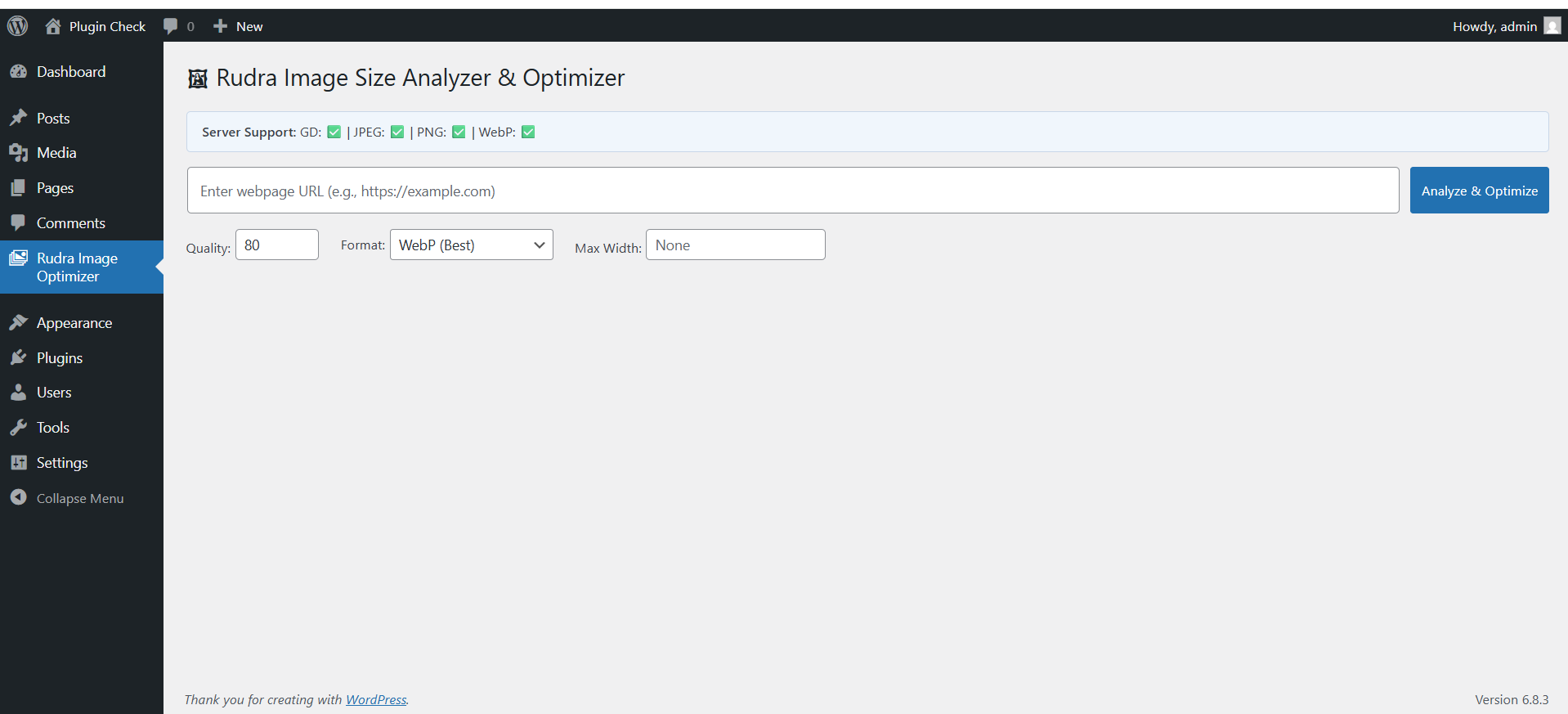
Analyzer screen with URL input 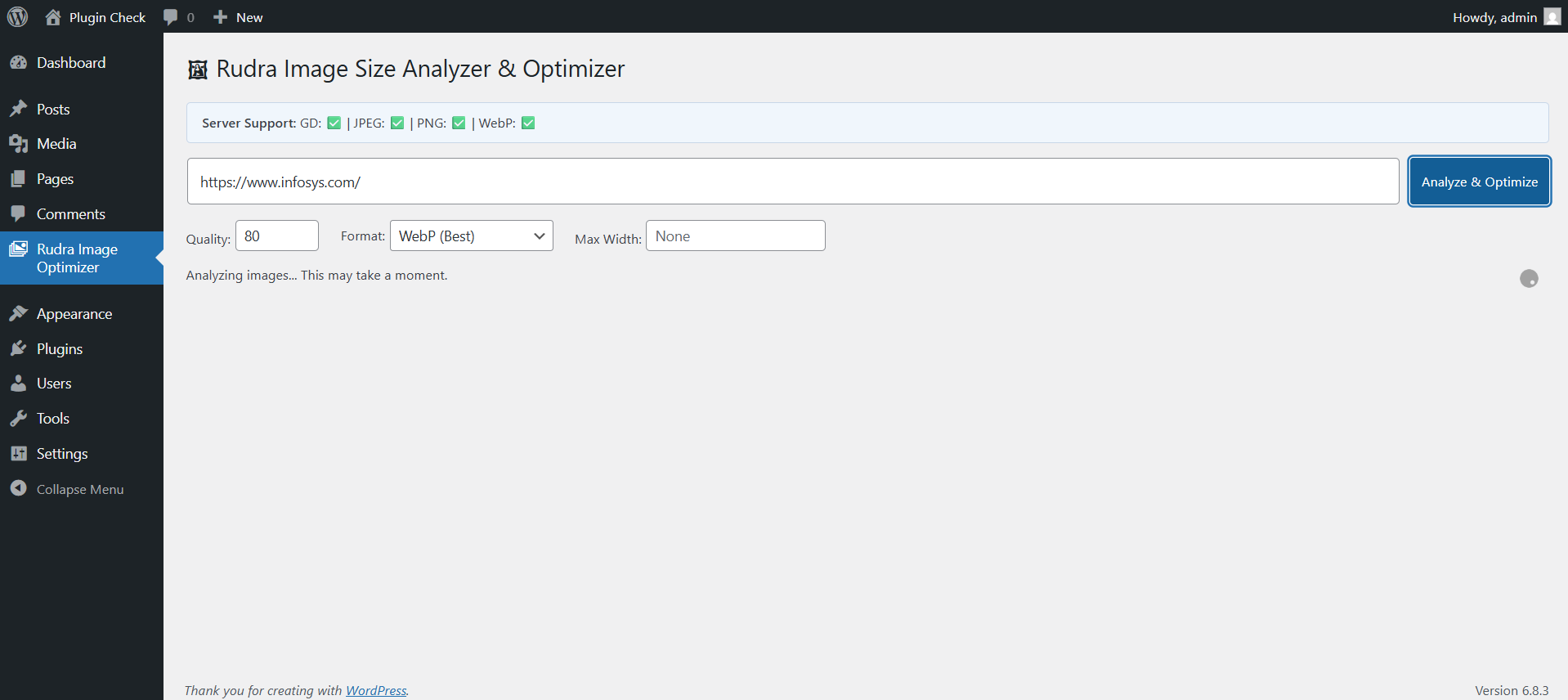
Optimization summary 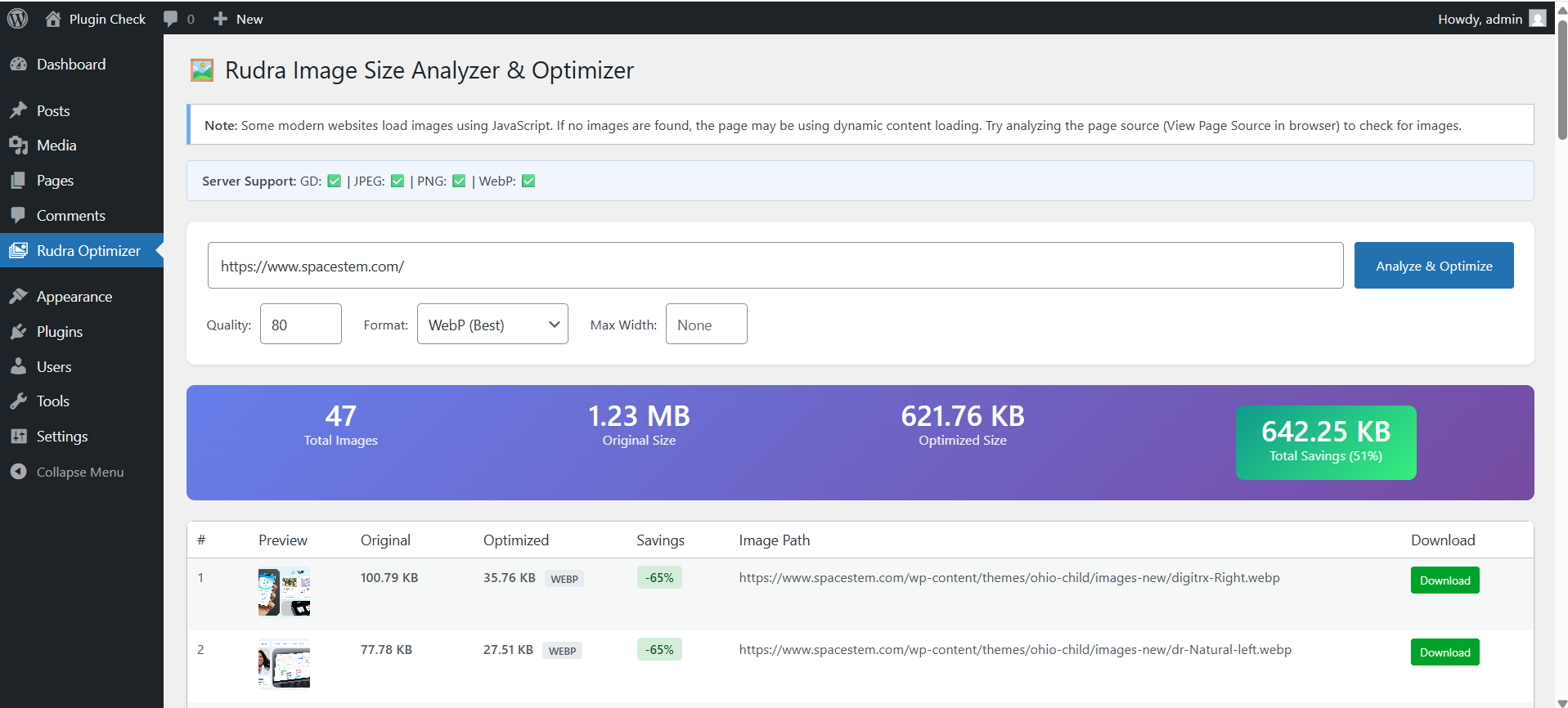
Image comparison table
Инсталиране
- Upload the plugin files to the
/wp-content/plugins/rudra-image-optimizer/directory - Activate the plugin through the „Plugins“ menu
- Open Rudra Image Optimizer inside the WordPress Admin
- Enter any webpage URL
- Click Analyze & Optimize
ЧЗВ
-
Do I need the GD library?
-
Yes. The plugin requires GD for WebP/JPEG/PNG conversion.
-
Does this modify images on my website?
-
No.
It only works on images extracted from an external webpage URL. -
Where does it save optimized files?
-
/wp-content/uploads/rudra-optimized-images/
-
Is this plugin front-end safe?
-
Yes — it is admin-only.
Отзиви


Сътрудници и разработчици
“Rudra Image Optimizer” е софтуер с отворен код. Към разширението са допринесли следните хора:
Сътрудници
Превеждане на “Rudra Image Optimizer” на вашия език.
Имате интерес към разработване?
Преглеждане на кода, разглеждане на SVN хранилище, или абонамент към програмната история (log) чрез RSS.
Списък с промени
1.0.0
- Initial release
- WebP/JPEG/PNG output
- Quality & resize controls
- Image extraction
- Optimization summary
- Bulk optimized image download in zip
1.0.1
- Individual image upload to media
- Bulk image upload to media
1.0.2
design fixes