
Описание
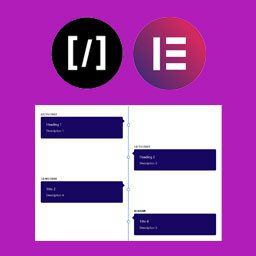
A Vertical Timeline Responsive is a very simple plugin to show vertical timeline to your website. It support shortcode and elementor page builder.
Снимки на разширението

Shortcode 
Frontend 
Using with Elementor
Инсталиране
Step 1. Upload „A Vertical Timeline Responsive“ folder to the /wp-content/plugins/ directory
Step 2. Activate the plugin through the Plugins menu in WordPress
Step 3. There is a menu named „V Timeline“.
Step 4. Create timelines as more as you can.
For Elementor, just install, activate and use it in the page builder.
Отзиви

22.07.2018
Thanks for this plugin. It was exactly what I was lookin for. I try all the others but they are too invasive, I need something simple that I could custom.
I hope you read this!

04.12.2016
Need Little more update though
Сътрудници и разработчици
“A Vertical Timeline Responsive” е софтуер с отворен код. Към разширението са допринесли следните хора:
Сътрудници
Превеждане на “A Vertical Timeline Responsive” на вашия език.
Имате интерес към разработване?
Преглеждане на кода, разглеждане на SVN хранилище, или абонамент към програмната история (log) чрез RSS.
Списък с промени
2.0.1
- Change of readme file and re-arranged the folders
2.0.0
- Improved design, native metaboxes, Elementor support
1.0.2
- Design fix
1.0.1
- Massive design change
1.0.0
- First stable release