

Описание
This plugin allows you to import excel file into wordpress.
Documentation
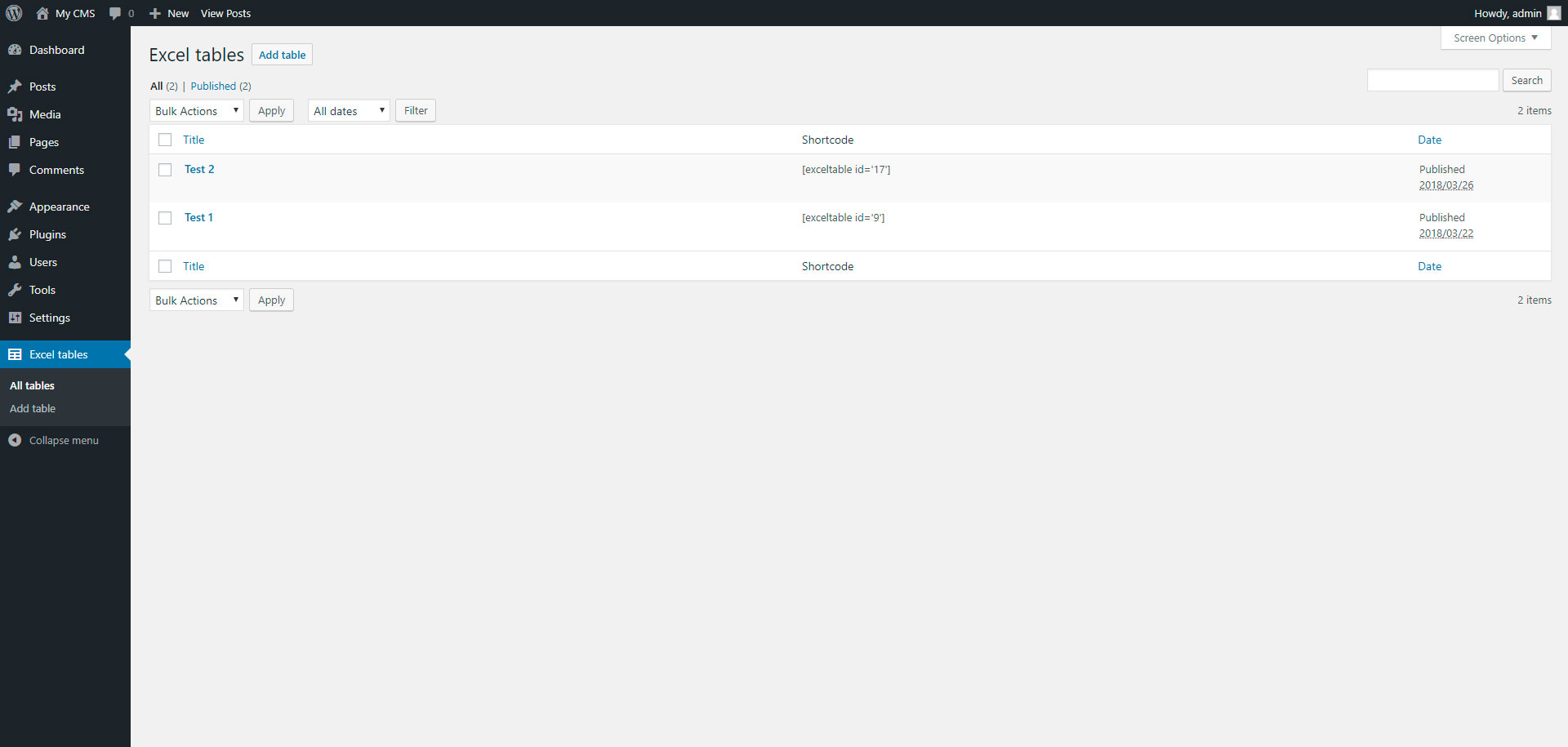
To add table, go to page „Excel tables“ in admin panel.
Снимки на разширението


Инсталиране
Installing „Excel tables“ can be done either by searching for „Excel tables“ via the „Plugins > Add New“ screen in your WordPress dashboard, or by using the following steps:
- Download the plugin via WordPress.org
- Upload the ZIP file through the ‘Plugins > Add New > Upload’ screen in your WordPress dashboard
- Activate the plugin through the ‘Plugins’ menu in WordPress
ЧЗВ
- Installation Instructions
-
Installing „Excel tables“ can be done either by searching for „Excel tables“ via the „Plugins > Add New“ screen in your WordPress dashboard, or by using the following steps:
- Download the plugin via WordPress.org
- Upload the ZIP file through the ‘Plugins > Add New > Upload’ screen in your WordPress dashboard
- Activate the plugin through the ‘Plugins’ menu in WordPress

Сътрудници и разработчици
“Excel tables” е софтуер с отворен код. Към разширението са допринесли следните хора:
Сътрудници
Превеждане на “Excel tables” на вашия език.
Имате интерес към разработване?
Преглеждане на кода, разглеждане на SVN хранилище, или абонамент към програмната история (log) чрез RSS.
Списък с промени
1.0
- Excel tables.
1.1
- Add xlsx file format