

Описание
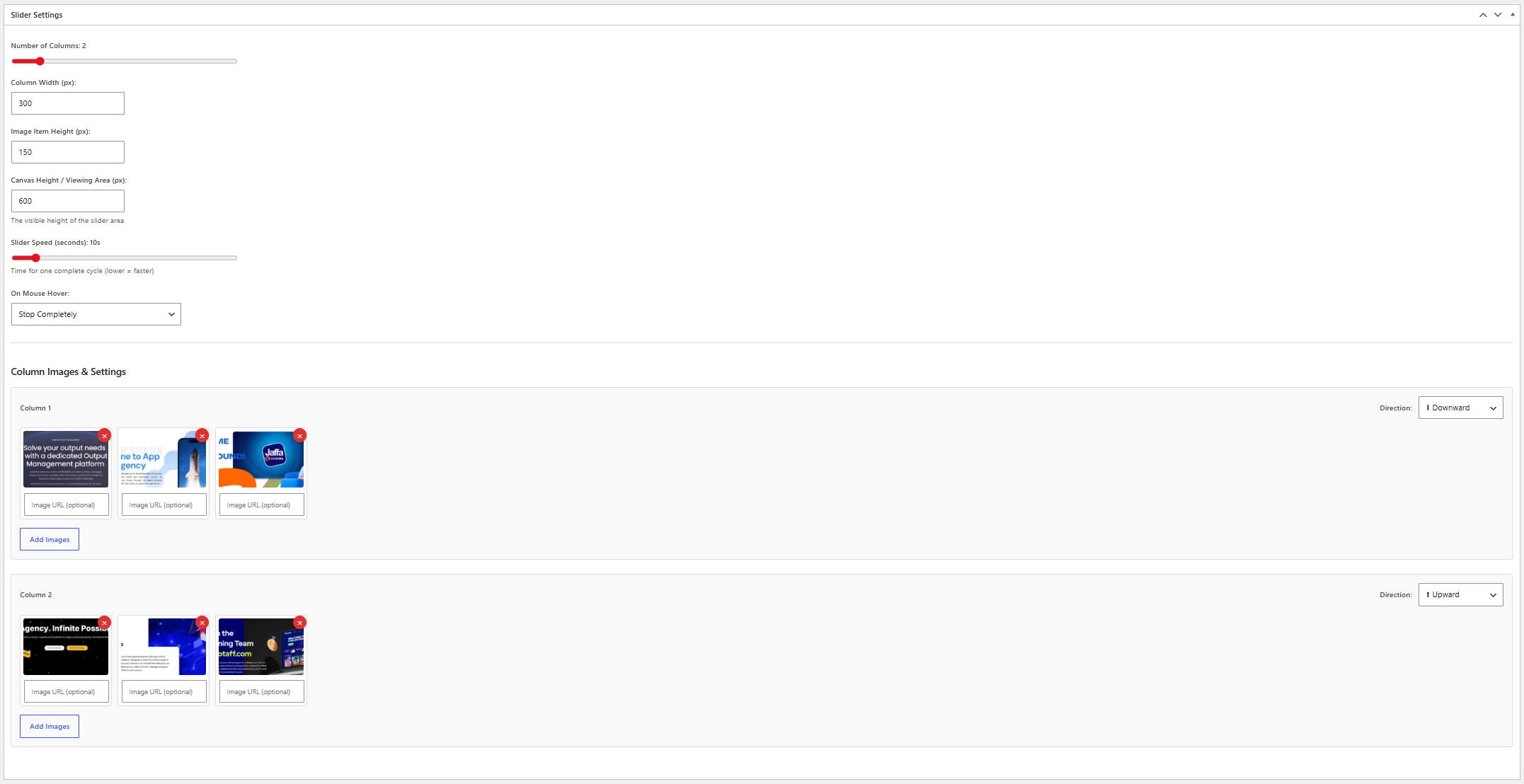
Vertical Card Slider allows you to create smooth vertical scrolling image sliders with multiple columns and customizable settings.
Features:
- Create unlimited sliders
- Multiple scrolling columns
- Upward and downward scrolling directions
- Adjustable scrolling speed
- Pause or slow down on hover
- Custom link URL for each image
- Responsive design
- Simple shortcode integration
- Lightweight and easy to use
Снимки на разширението

Инсталиране
- Upload the plugin files to the
/wp-content/plugins/stackfounder-vertical-card-sliderdirectory, or install the plugin through the WordPress plugins screen. - Activate the plugin through the ‘Plugins’ screen in WordPress.
- Navigate to Vertical Card Slider in the WordPress admin menu.
- Create a new slider and add your images.
- Copy the generated shortcode and place it in any page, post, or widget.
ЧЗВ
-
How do I display a slider?
-
Use the shortcode:
[sfvcs_vertical_card_slider id="123"]Replace
123with the slider ID shown in the admin area. -
Can I add links to images?
-
Yes. Each image can have its own custom destination URL.
-
Is the plugin responsive?
-
Yes. The slider adapts to different screen sizes.
-
Can I control the scrolling speed?
-
Yes. You can adjust the speed and hover behavior from the slider settings.
Отзиви
There are no reviews for this plugin.
Сътрудници и разработчици
“Stackfounder Vertical Card Slider” е софтуер с отворен код. Към разширението са допринесли следните хора:
Сътрудници
Превеждане на “Stackfounder Vertical Card Slider” на вашия език.
Имате интерес към разработване?
Преглеждане на кода, разглеждане на SVN хранилище, или абонамент към програмната история (log) чрез RSS.
Списък с промени
1.0.1
- Initial public release.
- Improved plugin metadata and documentation.
- Added uninstall support.
- Added translation-ready structure.